
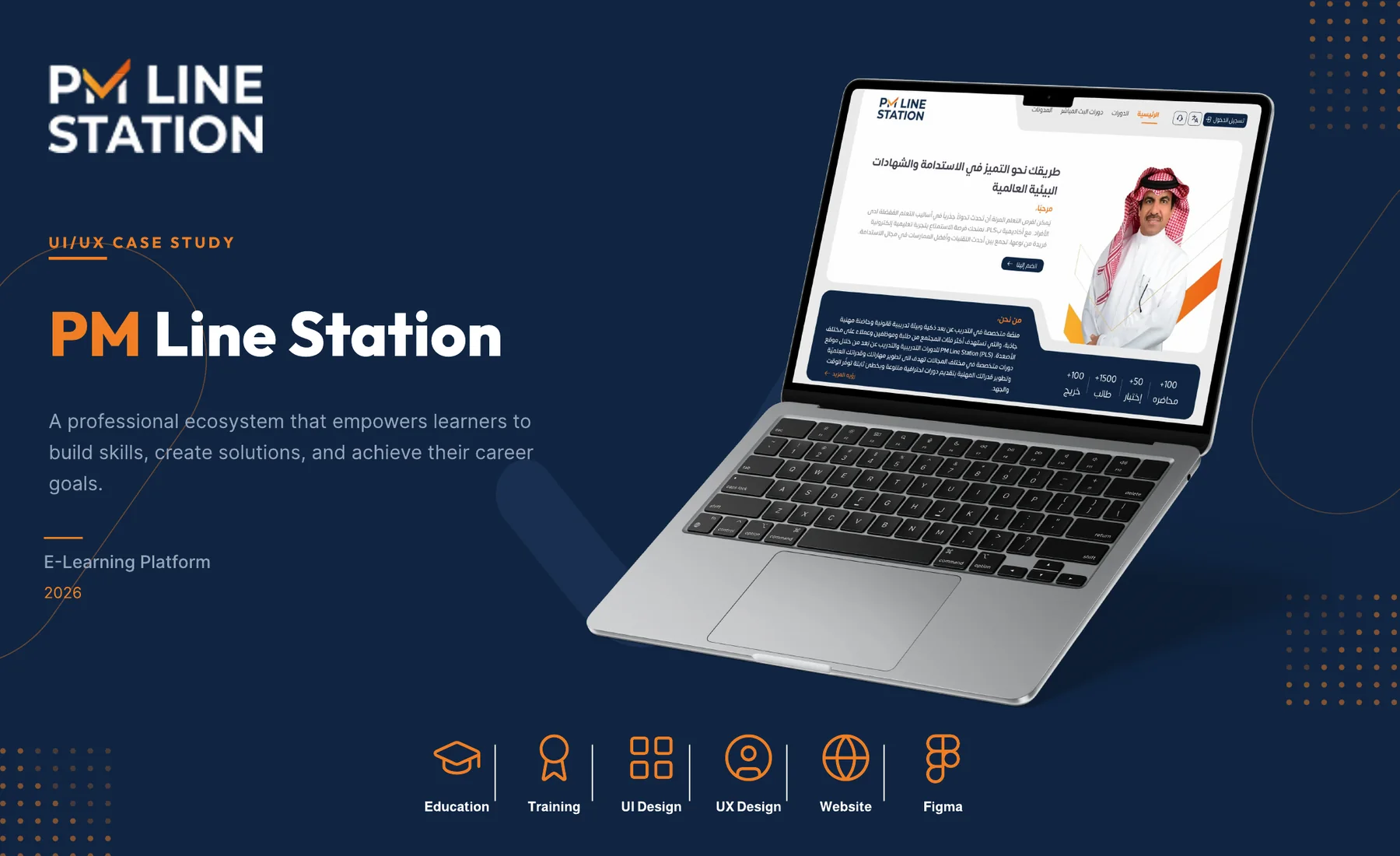
PM Line Station
A professional ecosystem that empowers learners to build skills, create solutions and achieve their career goals.
About the project
PM Line Station is a professional training and certification platform. It brings high-quality courses, consulting services and international certifications into one seamless experience.
- User-centered experienceLearners come first in every screen.
- Trust and reliabilityCredibility is built into the layout.
- Growth and impactContent is organised around learner goals.
The challenge
Design a digital experience that builds trust and drives learning. The platform offers training programs, certifications and consulting, and the content needed a clear structure so visitors could explore services and enroll in courses with confidence.
- Organize complex contentMultiple services, course categories, blog articles, testimonials and consultation offerings needed a clear information hierarchy.
- Build credibilityInstructor expertise, client logos, success metrics and learner testimonials establish trust.
- Encourage enrollmentClear calls to action guide users from discovery to enrollment.
UX process
A user-centered approach was followed so that every design decision rested on real user needs, business goals and a clear understanding of the learning journey.
- DiscoverResearch the platform, analyse competitors and understand user needs, pain points and goals.
- DefineIdentify the main challenges and opportunities, and set clear goals for the experience.
- StructureCreate the information architecture, user flows and content structure.
- DesignWireframes, high-fidelity screens and interactive prototypes focused on usability.
- ValidateReview the design, gather feedback and refine the experience.
User flows
Two flows cover the main journeys. Course enrollment takes a learner from the homepage through search, course details and a choice of recorded or live course to checkout. Consultation takes a visitor from choosing a type to a confirmed meeting.
Key UX decisions
Five decisions shaped the learning journey, each tied to a user problem.
- Separate recorded and live coursesUsers have different expectations when choosing on-demand or scheduled learning.
- Advanced search and filtersLearners need to find the right course quickly among many options.
- Calendar-based schedulingLive course users need a clear, interactive way to see available dates and seats.
- Clear calls to action and enrollment flowUsers need guidance at every step to enroll easily.
- Responsive, mobile-first approachUsers reach the platform from different devices and need a seamless experience.
The solution
A clear, trustworthy and goal-oriented experience built on a simple information architecture, visible credibility, engaging content presentation and strategic calls to action.
Course experience
Course discovery, enrollment and scheduling are handled in a structured flow: browse recorded programs with details and pricing, find upcoming live sessions, and view calendar dates to plan a learning path.
- Smart searchFind courses quickly with predictive search.
- Advanced filtersFilter by category, level, instructor and price range.
- Calendar viewInteractive dates for booking upcoming live sessions.
Design system
A consistent design language that keeps clarity, trust and engagement steady across every touchpoint. It defines colours, Arabic typography in Almarai, buttons, form elements, icons, badges, spacing and border radius.
Course management
Four pages let users browse, explore and enroll in recorded and live courses: course listing, course details, recorded course and live interactive course.
Beyond courses
Supporting pages complete the learning journey: consultation booking with a calendar, and a blog with article pages.
User account
Login and register pages give learners a secure, personalised space for their profile, preferences and learning activity.